Your first kitchen
Set up a household and learn the core Mise workflow.
After creating an account, Mise asks you to create or join a workspace. Choose Household for a home kitchen or Restaurant for a professional team. Both workspace types have the same core tools.
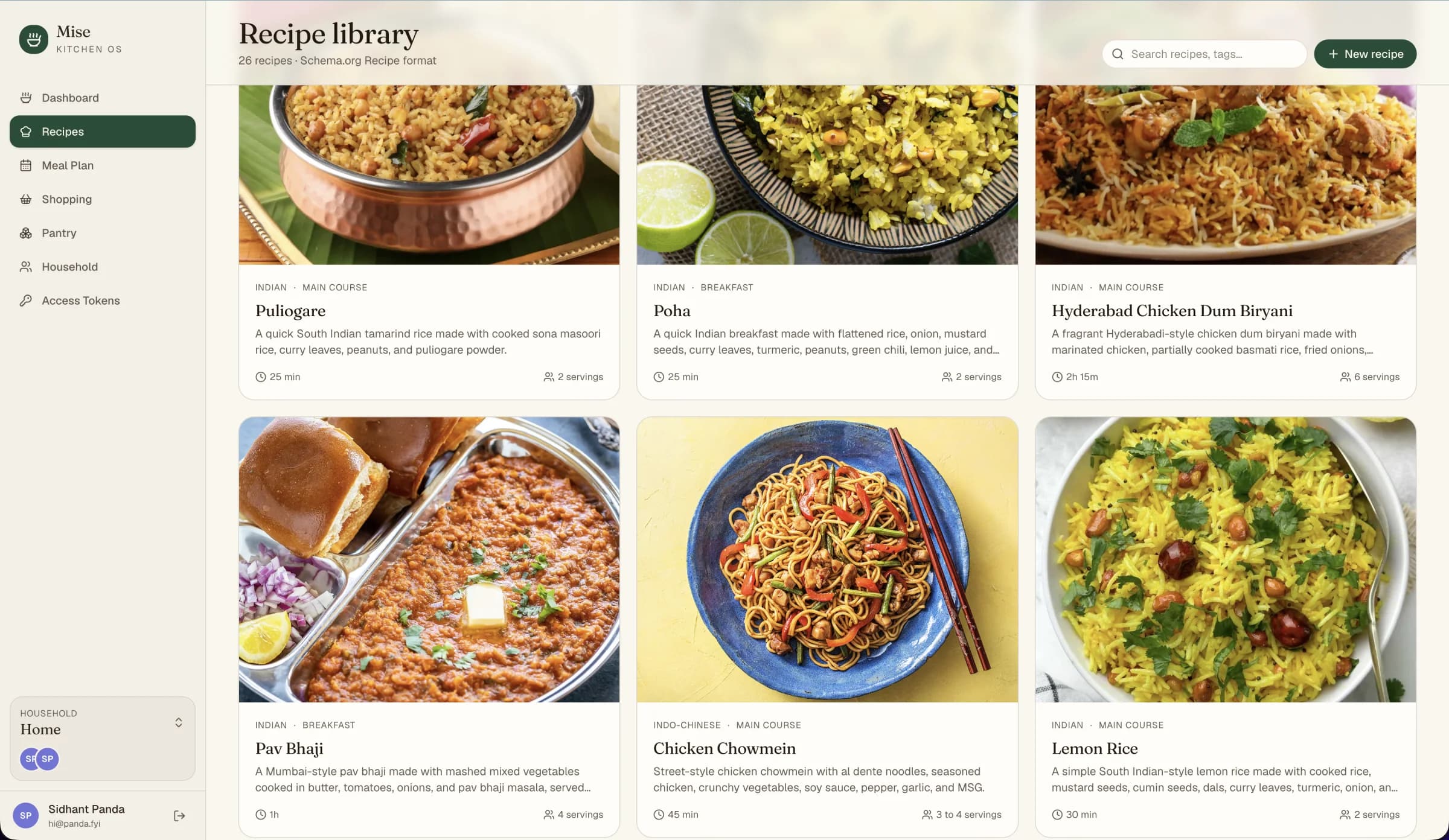
1. Add recipes
Open Recipes and choose one of three paths:
- Create a recipe manually
- Upload Schema.org Recipe JSON-LD
- Import from the public recipe library
Mise preserves recognized Schema.org fields so the recipe remains portable.
2. Plan the week
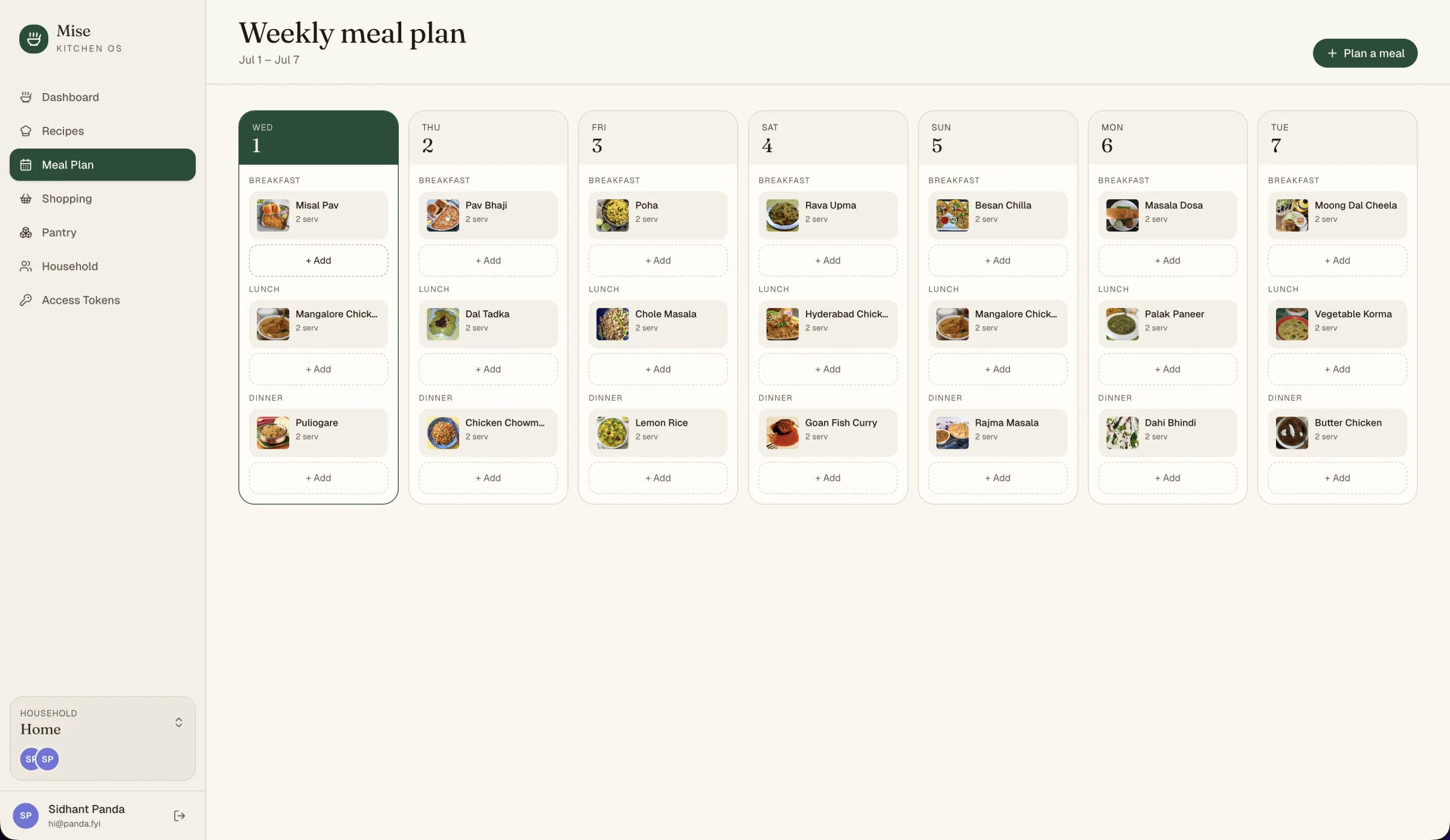
Open Meal Plan, select a day and meal type, then choose a recipe and number of servings. The same recipe can appear more than once during the week.
3. Build the shopping list
From a recipe or planned meal, add ingredients to Shopping. Existing unchecked items are not duplicated. Household members see the same list and can check items off as they shop.
4. Track what is at home
Use Pantry to record items in the pantry, fridge, or freezer. This is intentionally lightweight inventory—not a warehouse system—so keeping it current stays practical.
5. Invite the household
Owners and admins can invite other people from Household. Each member signs in with their own account while sharing recipes, plans, inventory, and shopping.
When the basic workflow feels familiar, consider connecting an assistant.